Geek Bar Not Hitting or Blinking? Troubleshooting Guide (2026)

Even the best disposable can act up. If your Geek Bar isn't hitting, is blinking, or tastes off, the good news is most issues have a quick fix. Here's how to troubleshoot the most common Geek Bar problems.
Geek Bar blinking and not producing vapor
A blinking light usually means one of two things: the battery is dead or the device is detecting no draw. First, recharge it via USB-C — every modern Geek Bar is rechargeable, and a flat battery is the #1 cause. If it's charged and still blinking, you may be drawing too hard; try a slower, gentler puff.
No flavor or a burnt taste
A burnt or muted taste often means the coil is struggling. Let the device rest for 5–10 minutes so the wick can re-saturate, then take slower puffs. Chain-vaping is the usual culprit. If the e-liquid screen reads empty, the device is simply finished.
Weak hits or low vapor
- Charge it — low battery means weaker output.
- Check the airflow isn't blocked by a pocket or finger.
- Switch modes — Pulse Mode gives denser vapor than Regular Mode.
Auto-firing or stuck on
If the device fires by itself, it's usually a stuck activation or trapped pressure. Tap it gently against your palm and store it upright. If it continues, stop using it — a genuine Geek Bar shouldn't auto-fire, which can also be a sign of a counterfeit.
Still not working? Check it's authentic
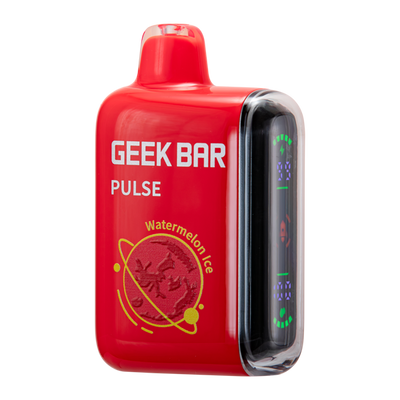
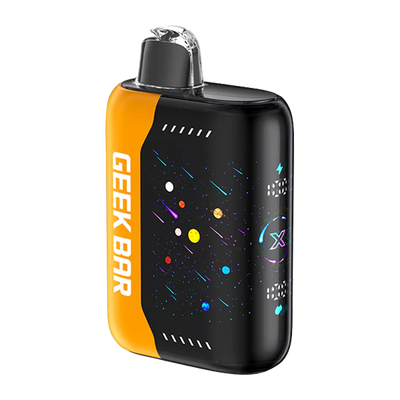
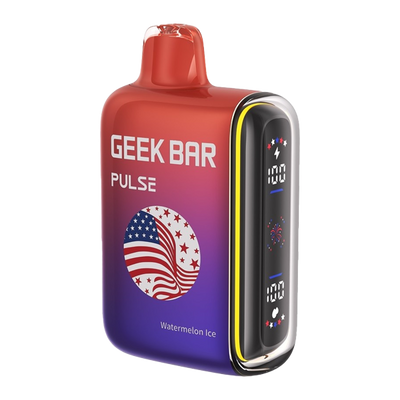
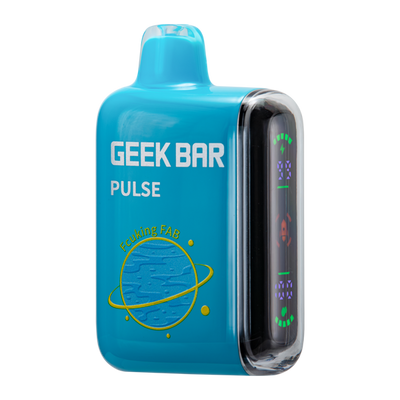
Many “faulty” Geek Bars are actually fakes. Always buy from a trusted seller. Browse 100% authentic Geek Bars with free US shipping over $99.99: Pulse 15K · Pulse X 25K. For adults 21+ only.